Blitz forum skins

Miscellaneous Forums/Graphics Showcase/Blitz forum skins

Previews of all the Blitz forum skins (image heavy).

You can select a skin by going to Account>Edit profile or by clicking one of the skin links below.

If you would like to make a new skin you can download the BB skinning pack from here.
Send any skins to simonh at: webmaster@....

A list of the top skins can be found here.

default


algebra


algorithm
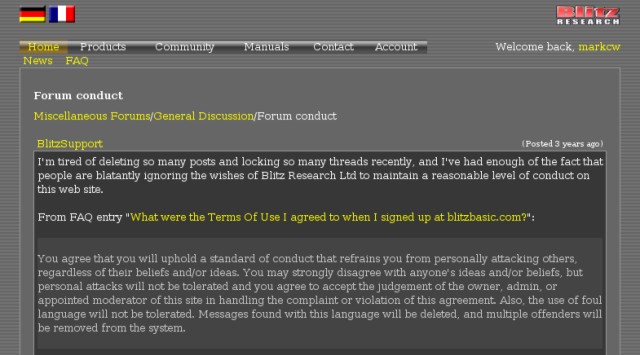

aquabars


blacktabber
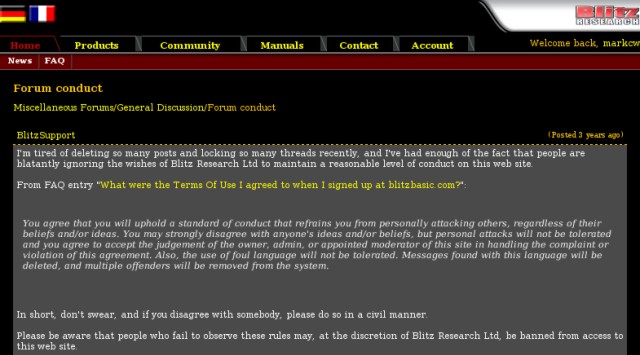

blitzui
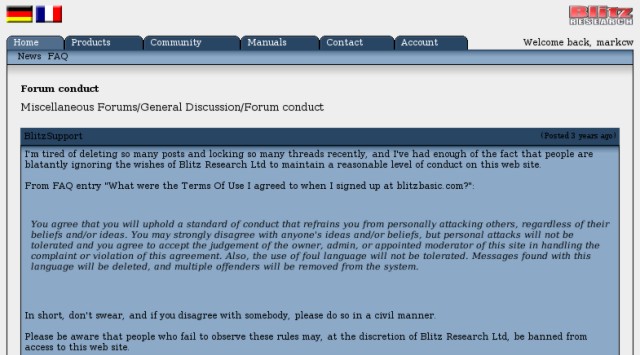

bluebar


bluedays


bordello


butch


c64


charcolate
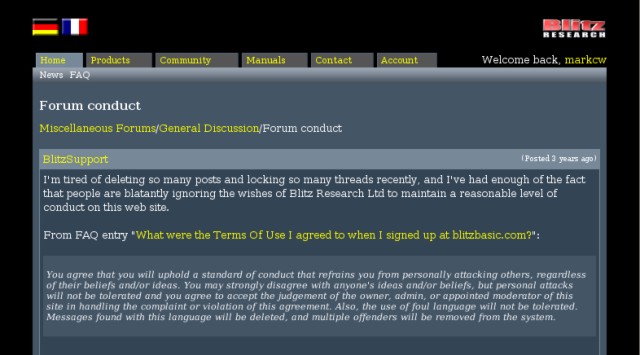

coolblue


daydream
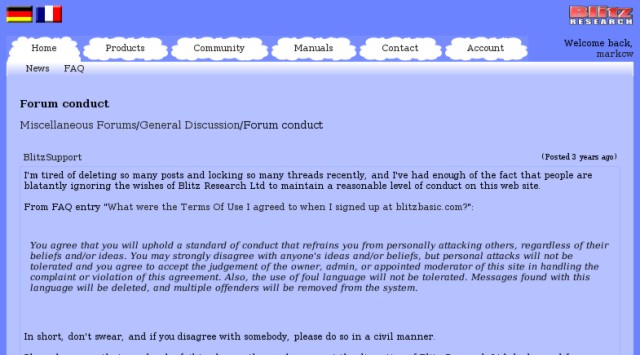

doiron


freddy


granite
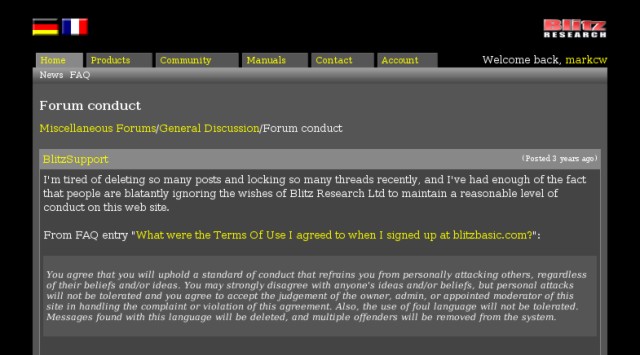

greendragon


greensleeves


grey
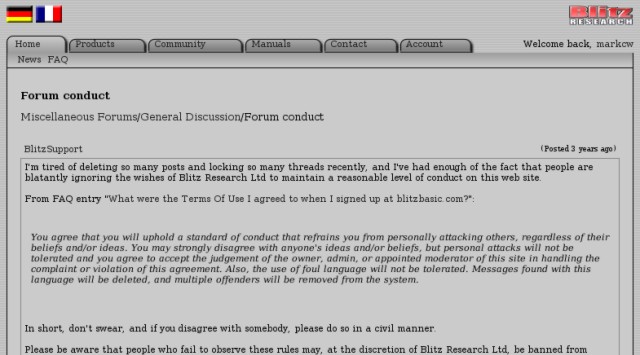

hifi80s


icegel


liquid


maxi
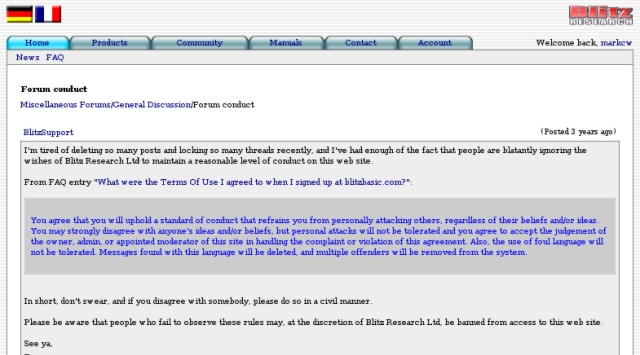

mbn
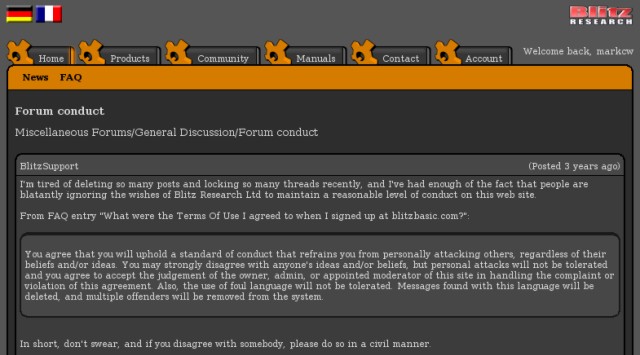

minimalist


mintygel
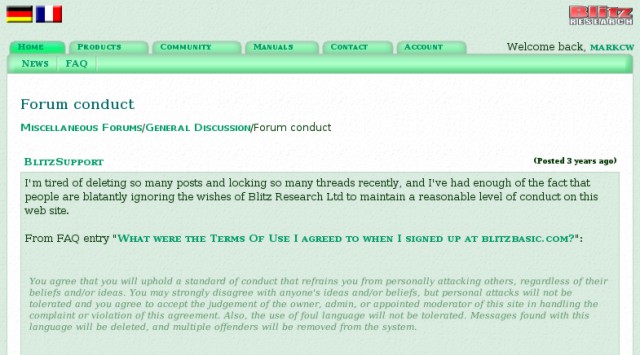

noteddo


oldschool
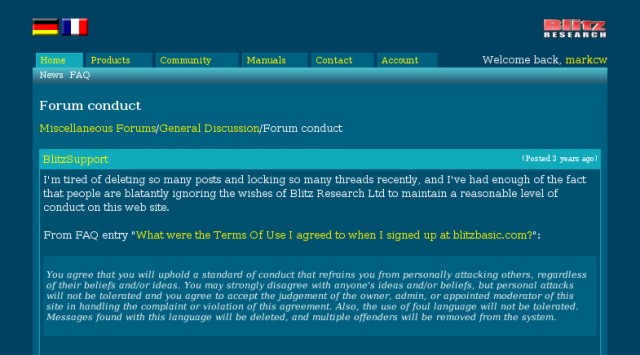

rhubarb
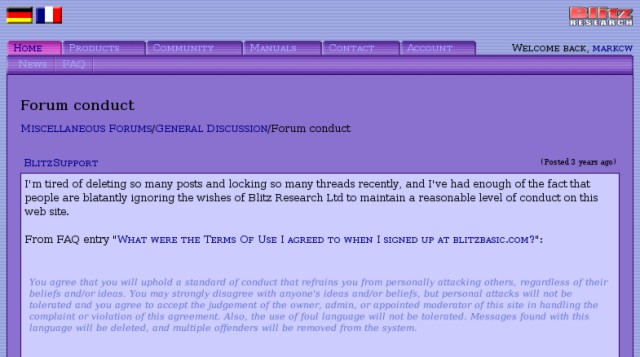

safari


skn3_skin
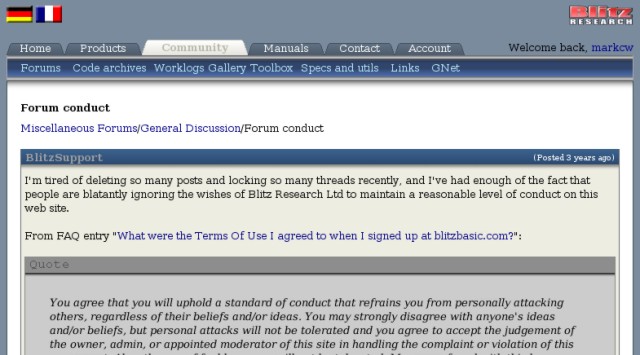

steel


tan
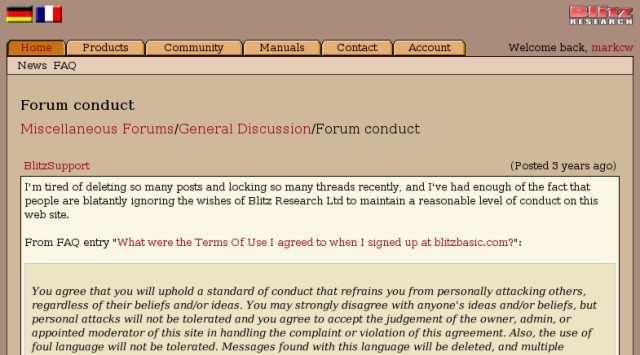

ultra
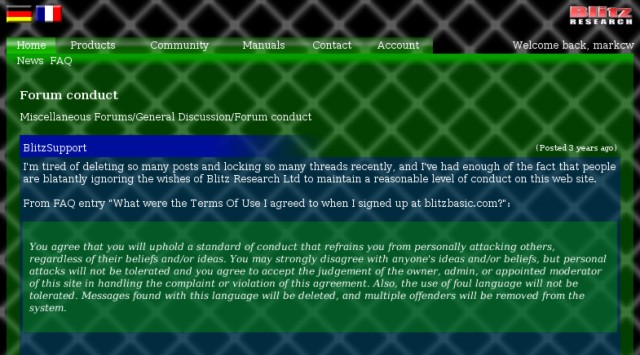

vanilla


wmp
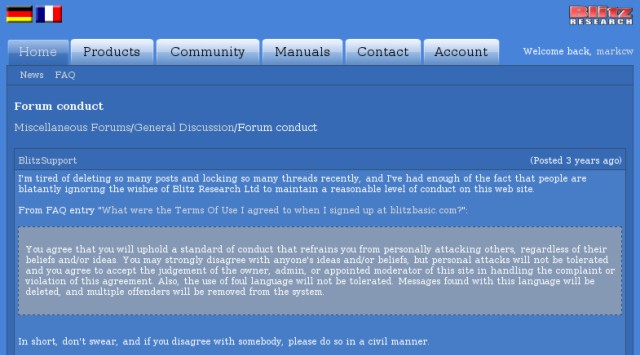

xpeabars


Nice!

Now it's easier to pick one without having to go through all of them.

Thanks dude. :)

incidentally, to quick switch to any skin without having to go through your profile settings, just point your browser to:

http://www.blitzbasic.com/Home/select_skin.php?skin=<skin_name>
i.e.
http://www.blitzbasic.com/Home/select_skin.php?skin=algorithm

Thanks bertpotatoe. :)

hows about making this sticky and have each image link to its relevant
http://www.blitzbasic.com/Home/select_skin.php?skin=<skin_name>

edit:
oh youve made the names clicky :) never mind

How about adding a tiny explanation at the top?

Example:
In this forum you can use different skins. You can select them by going into "Account" -> "Edit profile" or by clicking at one of links given below.

If anyone else fancies a go at making a new one, then you can download the BB skinning back from here. Send any skins to me at: webmaster@....

A list of the top skins can be found here.

Thank you, very useful!

noteddo


Is there a way to set a different front color to the main / sub menu bar items (ie Buttons) than the one that is used for links?

Could need a little help to finish my Green Dragon skin... 8)

(deleted)

a.tab {
color: #fff;
}


edit: delted image

Edit: How to colorise the selected button text and make it bold?

a.seltab {
font-weight: bold;
color: #019600;
}


Thanks a lot!

Nice work, markcw.

@markcw
Any chance you can change the links to be like {a /Home/select_skin....
instead of a full URL?

For those of us who don't use the blitzbasic url :-)

cheers!

Oh, I didn't know you could do that. Thanks Brucey.

mintygel posted 2 times. Very nice thread, thanks.

It would be nice to have an additional file in the skinning pack that's a thread with the quote, code, codebox etc in it.

+1

Anyone here that likes the "greendragon" skin?

Greendragon is quite nice but I wouldn't use it: I'm not a fan of black or green and the tables don't fit right in 800x600 mode.

Works fine here for me... even under 800x600.
Can you post a screenshot with your error?

Er, I already have.

Fixed this issue already. Just retry the skin. If that's the error you meant?

I was not aware you had fixed this. I've added a new preview of greendragon now. Nice job.

Could someone make a theme with mountains? I love montains