Hi,
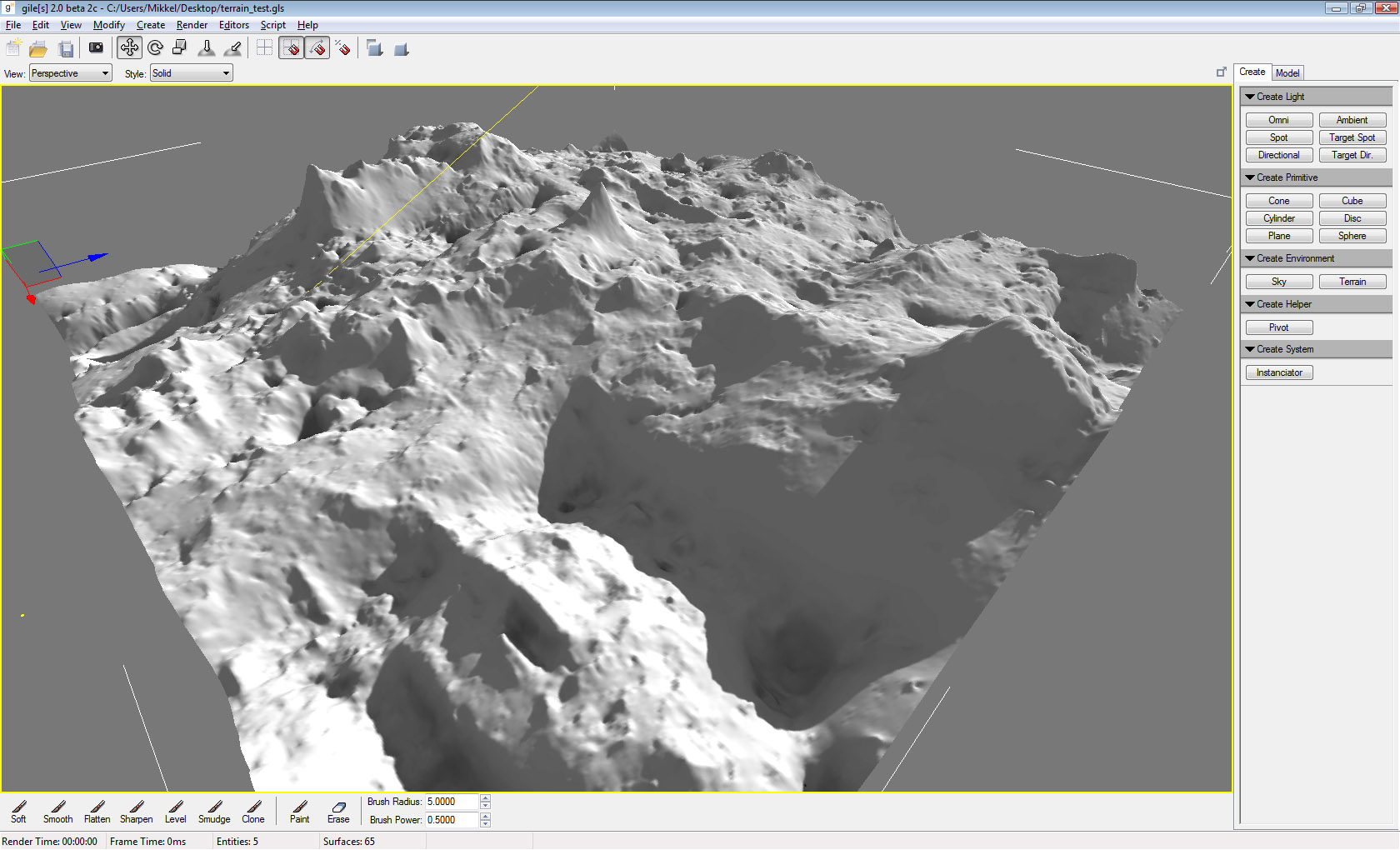
After quite a bit of a delay 2.0 beta 2 is ready for public consumption!
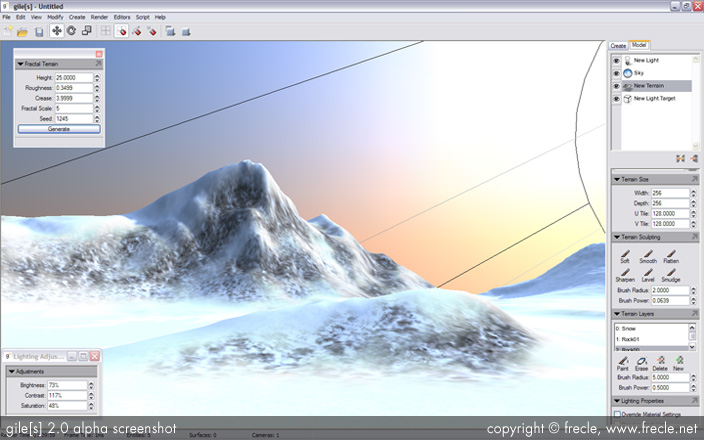
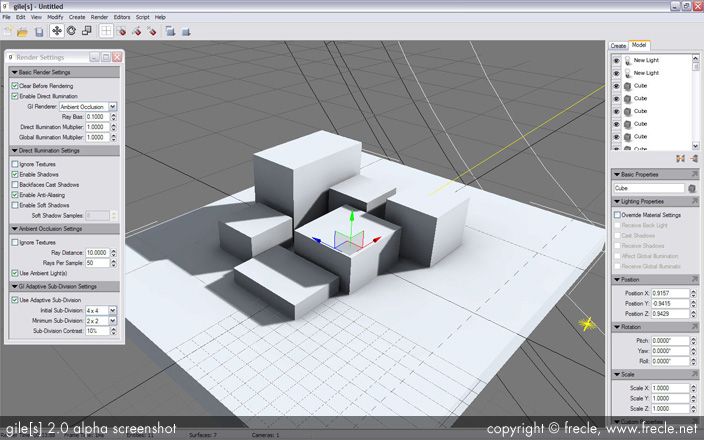
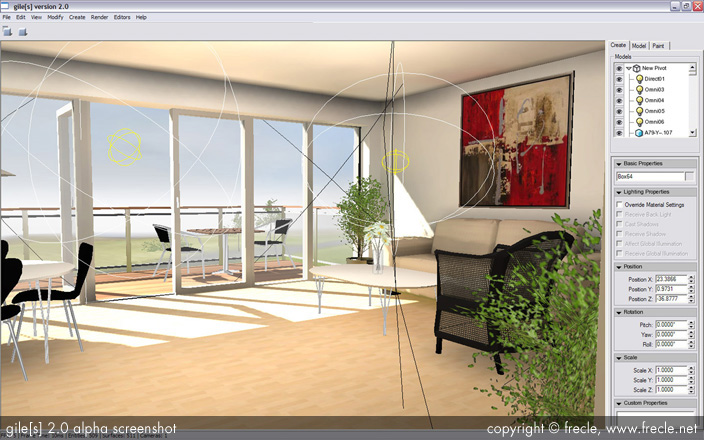
Some very old screenshots:
Get it here: http://www.frecle.net/update/download.php
New stuff:
Multiple Viewports
They're back baby!
Camera Mode
For easy navigation around the scene, without holding keys at the same time
Neat Grid™
Grid assisted placement has never been easier. Move the grid or align it to surfaces, to easily position or create objects with ease!
Quick instructions on how to use it:
- Press and hold Space + left mouse button to move the grid up/down.
- Press and hold Space + right mouse button to align to a surface.
- Press Ctrl+Space to reset the grid to the initial position.
Real primitives
Box, sphere, etc. are now special model classes, which makes them a little more useful.
Lighting Methods Wizard
Easily assign lightmaps based on simple rules, without resorting to manual work.
Rules include:
- Lightmap size
- Max. number of lightmaps
- Special rules for transparent materials
- Special rules based on size of models, or how thin they are
- Name based rules, ie. materials containing "whatever" in the name can be assigned to vertex lighting automatically
30-Day Trial Version
Unregistered users may try out the trial version for 30 days without restrictions.
Registered Users
Registered users must re-enter their license code on the first run.
Auto Update
Never miss another update! gile[s] can automatically check for and install new updates when they are available.
Bug fixes
Various mysterious crash bugs should now be corrected!
After quite a bit of a delay 2.0 beta 2 is ready for public consumption!
Some very old screenshots:
Get it here: http://www.frecle.net/update/download.php
New stuff:
Multiple Viewports
They're back baby!
Camera Mode
For easy navigation around the scene, without holding keys at the same time
Neat Grid™
Grid assisted placement has never been easier. Move the grid or align it to surfaces, to easily position or create objects with ease!
Quick instructions on how to use it:
- Press and hold Space + left mouse button to move the grid up/down.
- Press and hold Space + right mouse button to align to a surface.
- Press Ctrl+Space to reset the grid to the initial position.
Real primitives
Box, sphere, etc. are now special model classes, which makes them a little more useful.
Lighting Methods Wizard
Easily assign lightmaps based on simple rules, without resorting to manual work.
Rules include:
- Lightmap size
- Max. number of lightmaps
- Special rules for transparent materials
- Special rules based on size of models, or how thin they are
- Name based rules, ie. materials containing "whatever" in the name can be assigned to vertex lighting automatically
30-Day Trial Version
Unregistered users may try out the trial version for 30 days without restrictions.
Registered Users
Registered users must re-enter their license code on the first run.
Auto Update
Never miss another update! gile[s] can automatically check for and install new updates when they are available.
Bug fixes
Various mysterious crash bugs should now be corrected!