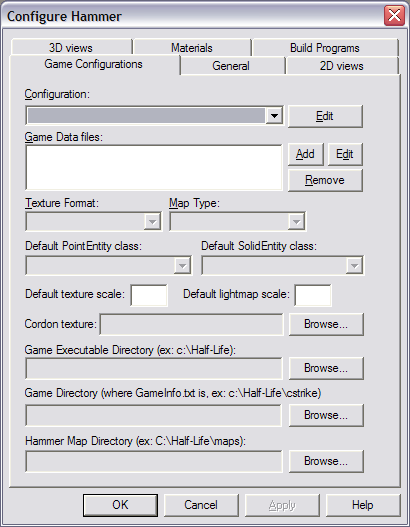
I am attempting to make a custom messagebox, with a check box at the bottom, like this:

I can retrieve the system font to set the messagebox size, and maybe retrieve the icon with an API function. My biggest problem right now is I need to eliminate the default icon that appears on the left end of the title bar of a Blitz window. Anyone know how?
I can retrieve the system font to set the messagebox size, and maybe retrieve the icon with an API function. My biggest problem right now is I need to eliminate the default icon that appears on the left end of the title bar of a Blitz window. Anyone know how?
Extern "win32"
	Function MessageBeep:Byte(nType)
EndExtern

Notify "Real MessageBox"
MessageBoxPlus("My MessageBox")


Function MessageBoxPlus:Int(message$)
	w=168
	h=126

	messagebeep $40

	bw=75
	bh=23
	bi=11

	win:TGadget=CreateWindow(AppTitle$,(Desktop().ClientWidth()-w)/2,(Desktop().ClientHeight()-h)/2,w,h,Null,WINDOW_TITLEBAR)

	button:TGadget=CreateButton("OK",(win.clientwidth()-bw)/2,win.clientheight()-bh-2-bi,bw,bh,win)
	ActivateGadget button
	setfocus QueryGadget(button,QUERY_HWND)

	'w=TextWidth(message)

	w=80
	h=16

	CreateLabel message,(win.clientwidth()-w)/2,(win.clientheight()-h-bh-bi)/2,w,h,win,LABEL_CENTER

	Repeat
		Select WaitEvent()
			Case EVENT_GADGETACTION
				Select EventSource()
					Case button
						Exit
				EndSelect
			Case EVENT_WINDOWCLOSE
				Select EventSource()
					Case win
						Exit
				EndSelect
		EndSelect
	Forever
	FreeGadget win
	Return result
EndFunction